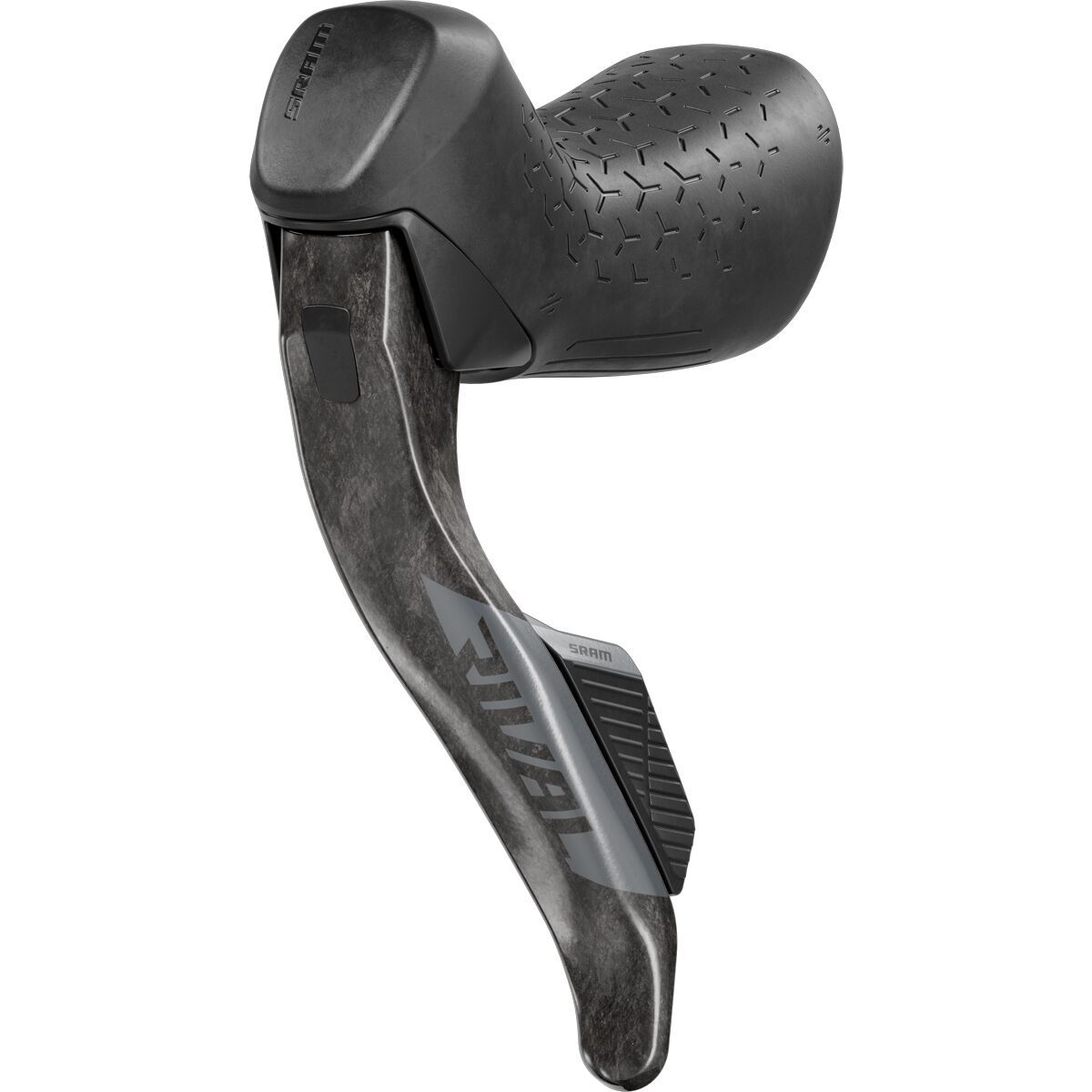
Common Rival AXS “issues” (and the quick fixes)
Most common SRAM Rival eTap AXS complaints are really front-shift setup and compatibility issues—especially when the drivetrain isn’t built around the parts it’s designed for, or when the derailleur position is slightly off. The good news: the fixes are usually straightforward and don’t require a full teardown.
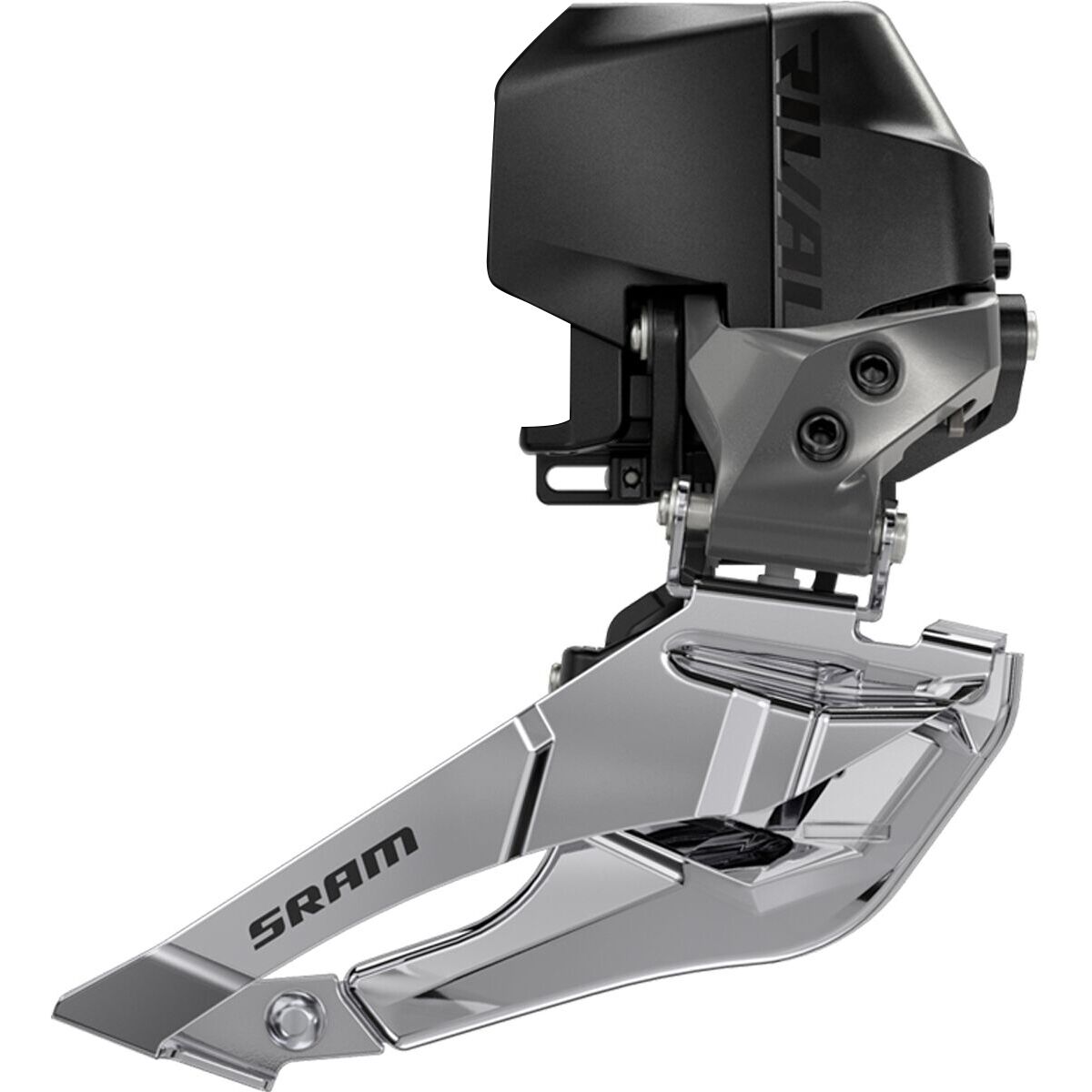
If you’re running the SRAM Rival AXS Front Derailleur, it’s designed to work with X-Range chainrings. When the chainring setup doesn’t match that intent, shifting can feel hesitant or inconsistent. Start by confirming your chainring standard first—because no amount of button-mashing can outsmart mismatched parts.
Next, remember what makes this derailleur different: it uses Yaw technology for trim-free cage operation. Translation: you shouldn’t be constantly “micro-adjusting” to stop rub. If you’re hearing rub or feeling drag, it’s often a sign the derailleur isn’t positioned quite right for the cage to track cleanly across the range.
Finally, Rival’s wireless electronic eTap shifting is built to be intuitive with an easy setup. If shifting feels unpredictable, treat it like a pairing/setup check before you assume something’s broken. A clean install and correct compatibility usually gets you back to crisp, repeatable shifts—aka the kind you forget about because they just happen.
- Verify compatibility: confirm X-Range chainrings.
- Re-check positioning: let the trim-free cage do the work.
- Revisit setup: wireless systems reward a careful first pass.
Why Rival AXS front shifting works so well when it’s set up right
When you’re troubleshooting, it helps to know what the component is actually trying to do. The Rival AXS front derailleur is built around a few key ideas that, once you lean into them, make the whole system feel refreshingly low-drama.
Designed around X-Range chainrings
This derailleur is optimized for X-Range chainrings. That matters because front shifting is a game of tiny margins—chainline, ring profiles, and cage path all need to agree. When your drivetrain matches the intended standard, shifts feel more consistent and you spend less time chasing “almost perfect.”
Yaw tech = trim-free riding
Yaw technology is all about keeping the cage tracking in a way that reduces the need for manual trimming. In real-ride terms: fewer moments where you’re thinking about front derailleur rub when you’d rather be thinking about the next corner, the next punchy rise, or the next wheel to follow.
Wireless eTap shifting keeps the cockpit clean
Wireless electronic eTap shifting is intuitive and built for easy setup. That’s a big deal if you like clean builds and clean problem-solving: fewer moving parts to fuss with, and a system that’s meant to be straightforward to get running.
- Compatibility-first design helps prevent finicky shifting.
- Trim-free cage behavior reduces rub management.
- Wireless simplicity makes setup feel less like a science project.
How to choose the right fix for your Rival AXS front-shift problem
Front shifting issues can feel mysterious because the symptoms overlap. The trick is to diagnose by category—compatibility, cage behavior, or setup workflow—then make one change at a time so you know what actually solved it.
1) Start with compatibility (the big lever)
If your drivetrain isn’t built around X-Range chainrings, you’re starting the day with a headwind. Before you chase tiny adjustments, confirm your chainring standard matches what the derailleur is optimized for. This is the fastest way to avoid “it shifts… sometimes” frustration.
2) Use trim-free behavior as your diagnostic clue
This derailleur is designed for trim-free cage operation. So if you’re constantly wishing you could trim, treat that as a sign: the cage likely isn’t sitting where it needs to for Yaw to track cleanly. The goal isn’t to babysit it—it’s to set it once and ride.
3) Re-run the setup like you mean it
Wireless electronic eTap shifting is meant to be intuitive with an easy setup, but it still rewards a careful, step-by-step approach. If you’ve changed parts, bumped the derailleur, or rebuilt the bike, it’s worth re-checking the setup process from the top rather than stacking tweaks on top of tweaks.
- Confirm X-Range compatibility.
- Evaluate whether the cage is behaving trim-free.
- Revisit the wireless setup workflow cleanly.
Get it shifting right—without the guesswork
At Backcountry, we’re all about the ride feel. When your front shifting is dialed, you stop thinking about it—and that’s the whole point of going electronic in the first place.
If you’re chasing a Rival AXS gremlin, we’ll help you sort whether it’s a compatibility mismatch, a positioning tweak, or just a setup reset that needs to happen. And if the right move is swapping to the correct front derailleur for your build, we’ve got the parts ready to roll.
Need a second set of eyes before you start turning every screw on the bike? Tap a Gearhead® Expert. You’ll get real, rider-to-rider guidance—so you can spend less time troubleshooting and more time stacking miles.